TeraBox
TeraBox gets free 1TB secure cloud storage

Safe & Secure
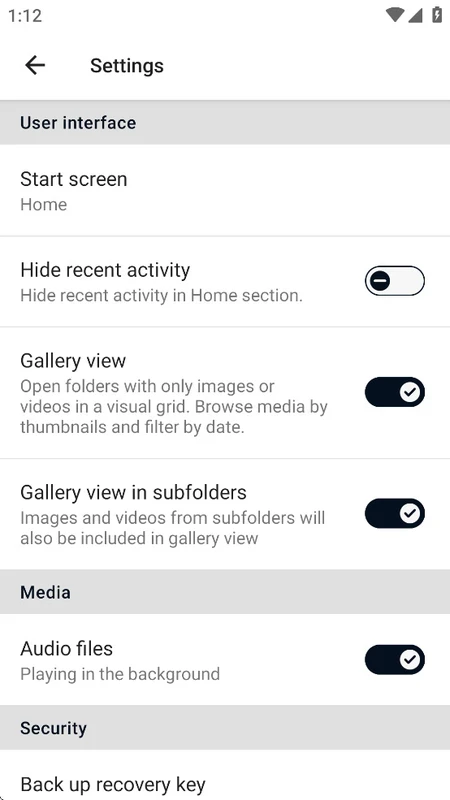
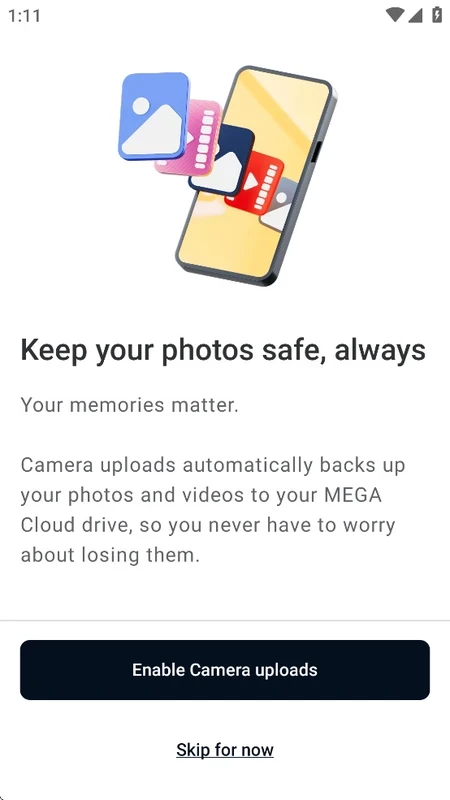
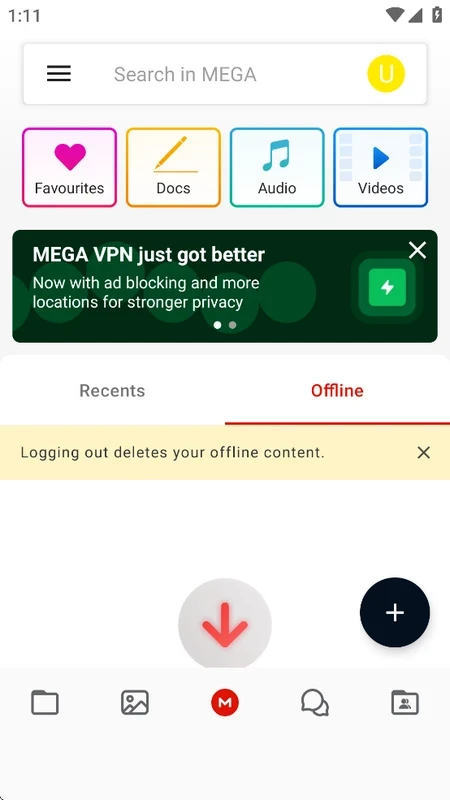
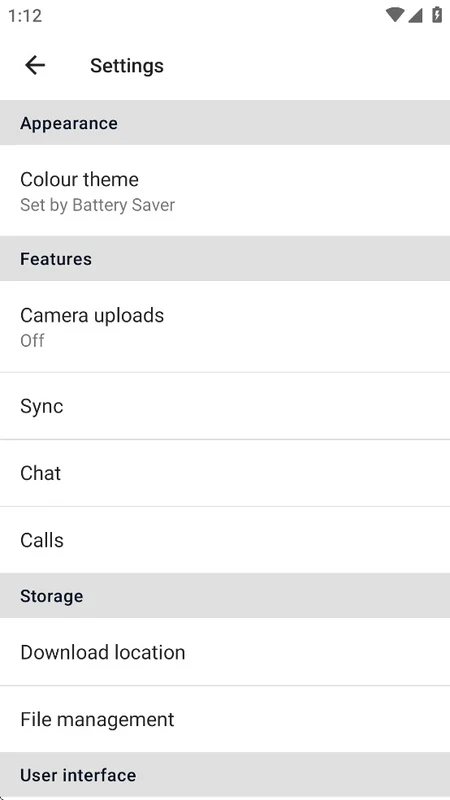
MEGA is a simple yet effective app to offer quick and secure backup of all of your private or sensitive content, including photos, videos, documents, and so on. The app also offers audio and video calls facility and file-sharing across multiple devices. The app, with flexibility and versatility, streamlines a secure and encrypted workflow for both personal and professional use.
The app offers multiple built-in tools and 20GB free cloud storage, and also a premium version, if you want more space to store your files. The availability of end-to-end encryption ensures foolproof security for your communication and file sharing.
MEGA is a free private cloud storage service that is officially developed by Mega Ltd, used for secure file sharing and collaboration. It offers end-to-end encryption to make your file saving and sharing process smooth and secure. The innovative communication feature is also part of the app, and users can reliably make audio and video calls as well.
The app offers free services along with 20GB of free cloud storage to allow users to store their private content and access it from anywhere, anytime, without waiting for sign-ups, logins, passwords, or other requirements.
The app requires a user account to continue, so you need to enter an email address and create a secure password. It is necessary to save your password; otherwise, you wouldn’t be capable of recovering your account. In case of not find your password, everything will be lost, as you have to create a new account from scratch.
It is one of the core features, as it makes it possible to upload and access your precious content from any device, from anywhere. The automatic uploading process is easily accessible without the requirement of downloading every file. The app also works like a web browser to maintain internet access.
Online security and privacy are two of the most important elements offered by the app. So, the app is equipped with end-to-end encryption to ensure only authorized access to stored content. The encrypted files on the client-side have encryption keys that are created by the users, so it is necessary to remember the created keys to recover the files easily. In addition, it also offers two-step authentication with a 5-digit backup code. So, the users not only ask to enter a password, but also the two-step code for enhanced security is required.
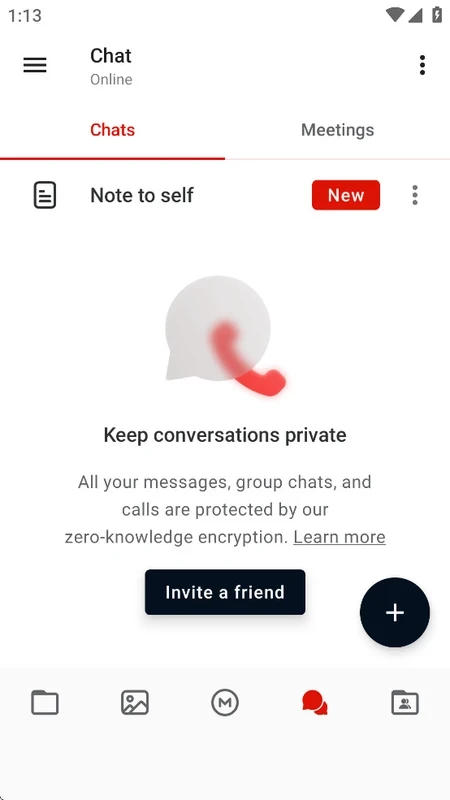
The innovative MEGA chat feature offers secure communication for users, so users can send and receive text messages and make audio/video calls. It enables users to discuss and collaborate over combined files, as the group conversation is also supported, and users can directly share files from storage to the chats.
It is one of the best features, as it enhances the functionality while supporting browser extensions and command-line tools. It offers more advanced services and enables advanced users to use the feature for accessing across devices, ensuring more than basic file storage functionality.
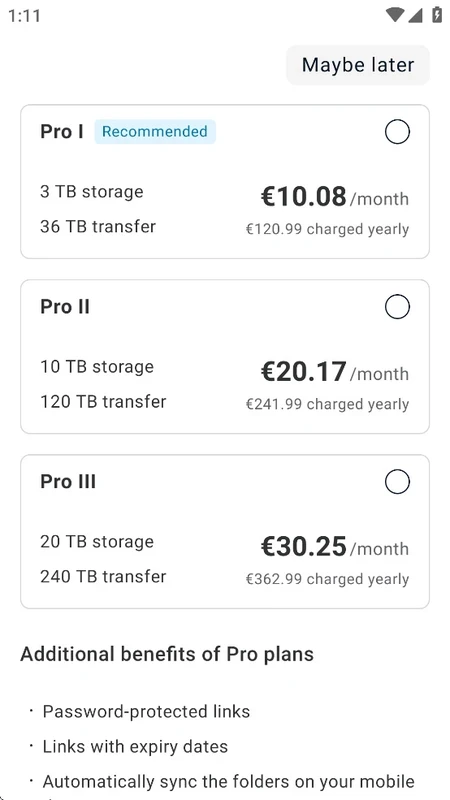
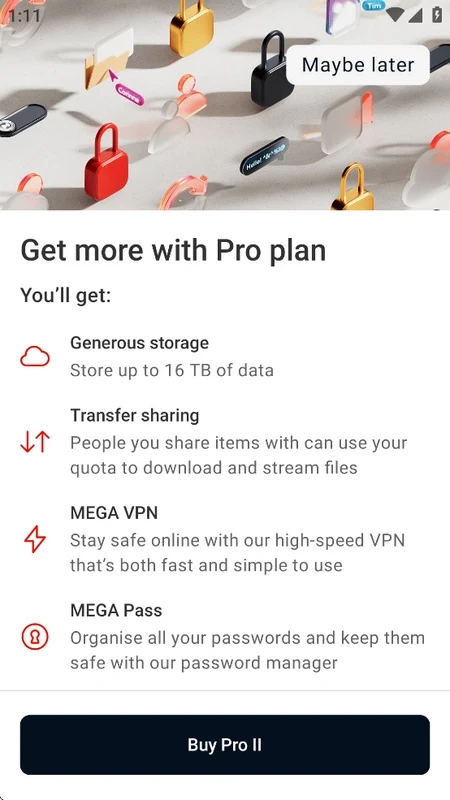
Users who access the cloud storage after creating an account are capable of getting 20GB of free cloud storage. However, if you are interested in getting more storage, you can purchase the MEGA Achievements Program, which starts from 16TB of cloud storage. In addition, you can get GB extra storage after completing different tasks within the app. You can also use built-in VPN functionality with MEGA VPN, and a password manager within MEGA PASS.
It is one of the core features to enable users to manage their files while creating folders, and easily access them while signing in from any device. It allows you to handle your photos, videos, and documents across multiple devices while searching, downloading, streaming, viewing, renaming, or deleting files as well. In this way, you not only transfer your files to the cloud storage automatically, but also set one-way backups for your sensitive data.
The collaboration is one of the important elements to manage various types of files over the internet. It allows users to share files and folders with relevant contacts. It enables users to view and make changes, and also see changes made by others. The direct chat section can also help users to discuss combined documents easily.
Pros
Cons
TeraBox gets free 1TB secure cloud storage

MediaFire offers up to 50GB of storage with shareable links and automatic backups.

ZArchiver compresses, previews, and manages password-protected archived content

RAR open, compress, and decompress files with huge file format support

Google One offers intuitive management for expanding cloud storage and automatic cloud backup.